Qwen Image 2.1: Create and Edit Images with AI
Discover Qwen Image 2.1, the unified text-to-image and image-editing model. Learn how to create from a prompt, refine an existing image, work with multiple references, and generate transparent RGBA artwork.
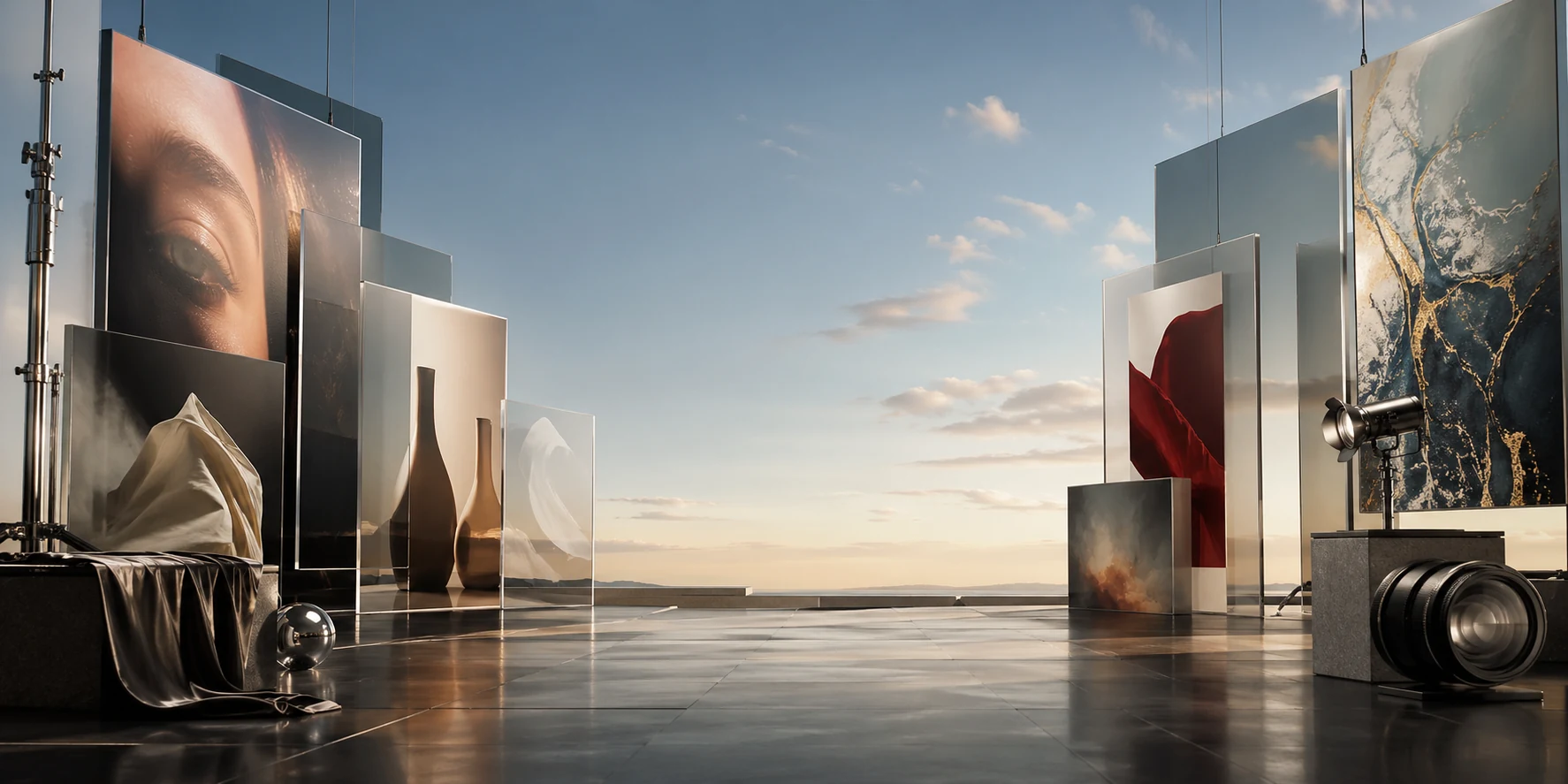
How to Write a Qwen Image 2.1 Prompt
A useful prompt names the subject, setting, composition, style, lighting, and any text or constraints. For image editing, upload a reference and state what should change and what should stay the same.
Start with the subject
Name the main person, object, or scene and describe the action or purpose.
Add composition and setting
Specify framing, camera angle, background, and where important elements should appear.
Describe the visual style
Mention materials, color palette, medium, lighting, and mood.
Be explicit about text
Quote the exact wording and describe its placement, language, and typography.
For editing, state what stays
Identify the change you want and explicitly ask to preserve the subject, pose, product details, or other elements.
Use references with clear roles
When providing several images, explain what each reference contributes, such as subject identity, clothing, object, or style.
Request transparency when needed
Ask for a transparent background for a cutout or overlay, and verify the exported file retains an alpha channel.
Qwen Image 2.1 Use Cases
Explore common text-to-image and editing tasks. Results depend on the prompt, input images, inference setup, and selected model.
Product images
Create a product concept or edit a product photo while describing which product details to preserve.
Posters and social graphics
Draft a visual layout, specify headline text, and describe the intended placement and style.
Portrait edits
Change the background, lighting, or surrounding scene while using a reference to guide identity.
Transparent stickers
Create a character or object cutout intended for a sticker, overlay, or composite.
Multi-image compositions
Combine multiple subject or style references and explain the role of each image.
Concept art and illustration
Describe a character, environment, art direction, and framing to explore a visual concept.
Targeted image changes
Use a mask or visual annotation with a concise instruction to focus an edit on one area.
Packaging and brand concepts
Explore packaging directions, labels, materials, and scene styling as early-stage design concepts.
Qwen Image 2.1 Examples and Creative Ideas
Browse image-generation and editing ideas for product visuals, posters, portraits, illustrations, and transparent assets. Examples are inspiration; available models and controls depend on the selected generation workflow.
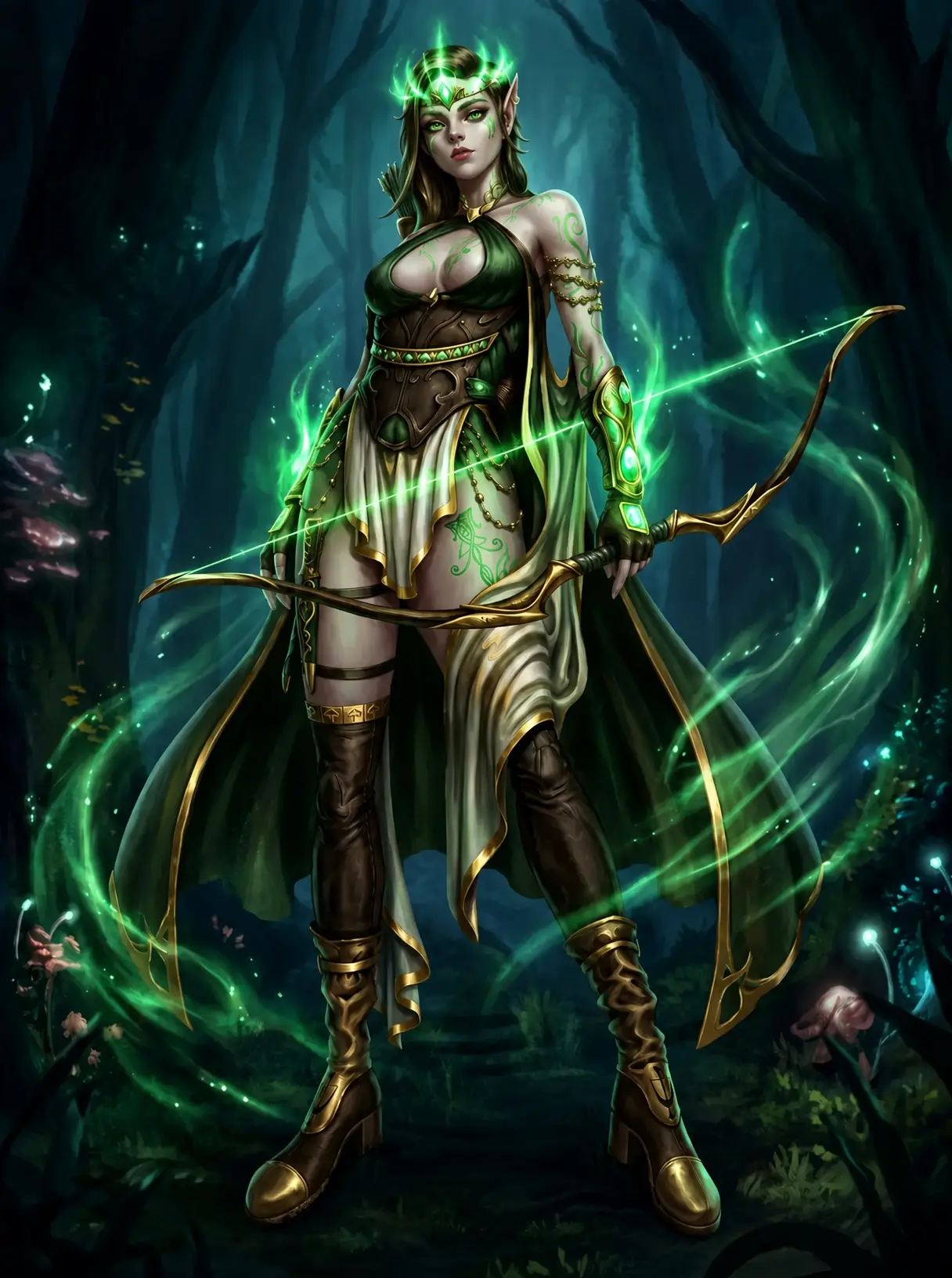
# Image Correction Instructions ## Description This image contains a flaw. The character in the im
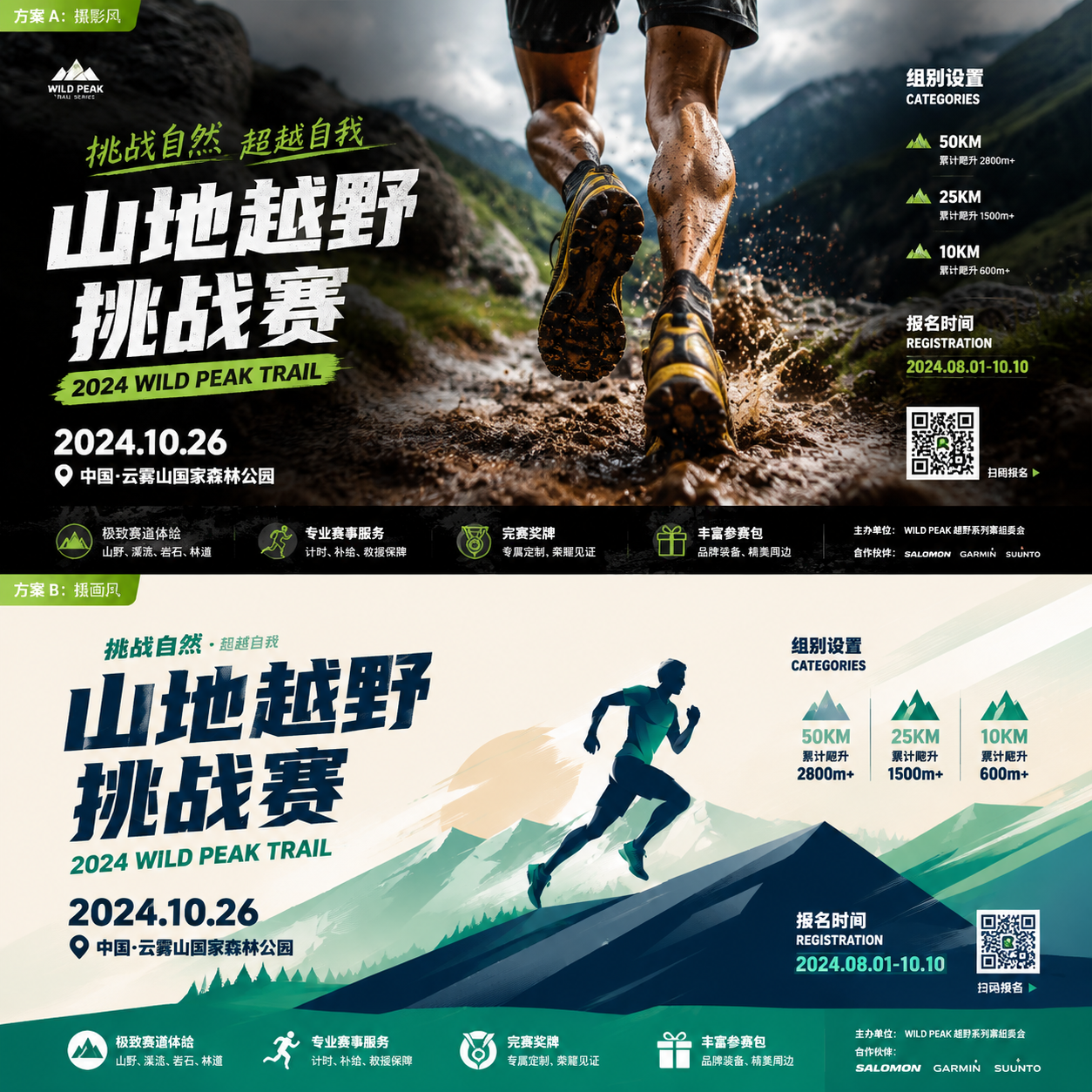
下面提供一个完整的山地越野海报设计方案,适用于印刷尺寸 2.2m x 1.2m(高 x...
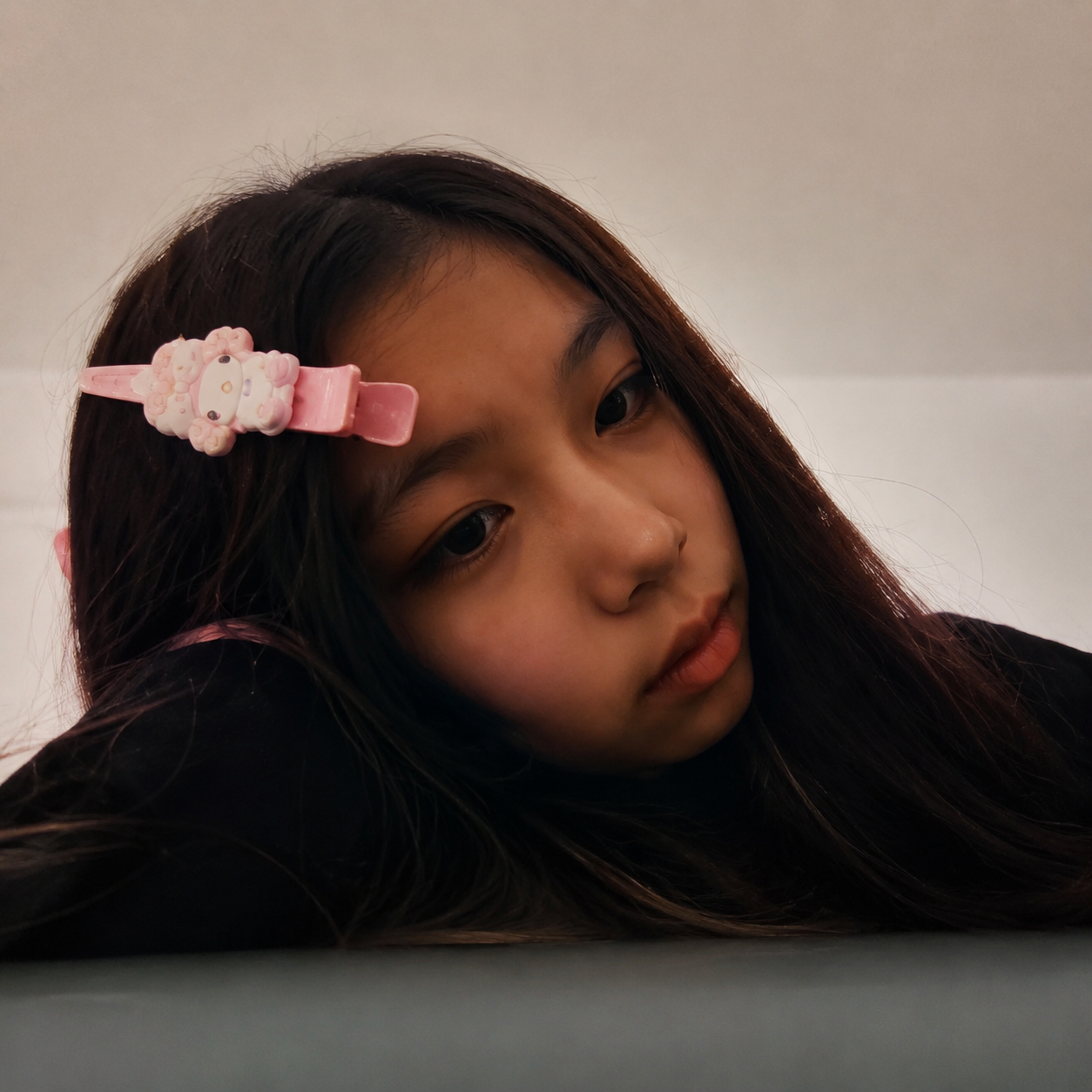
帮我把照片清晰就行
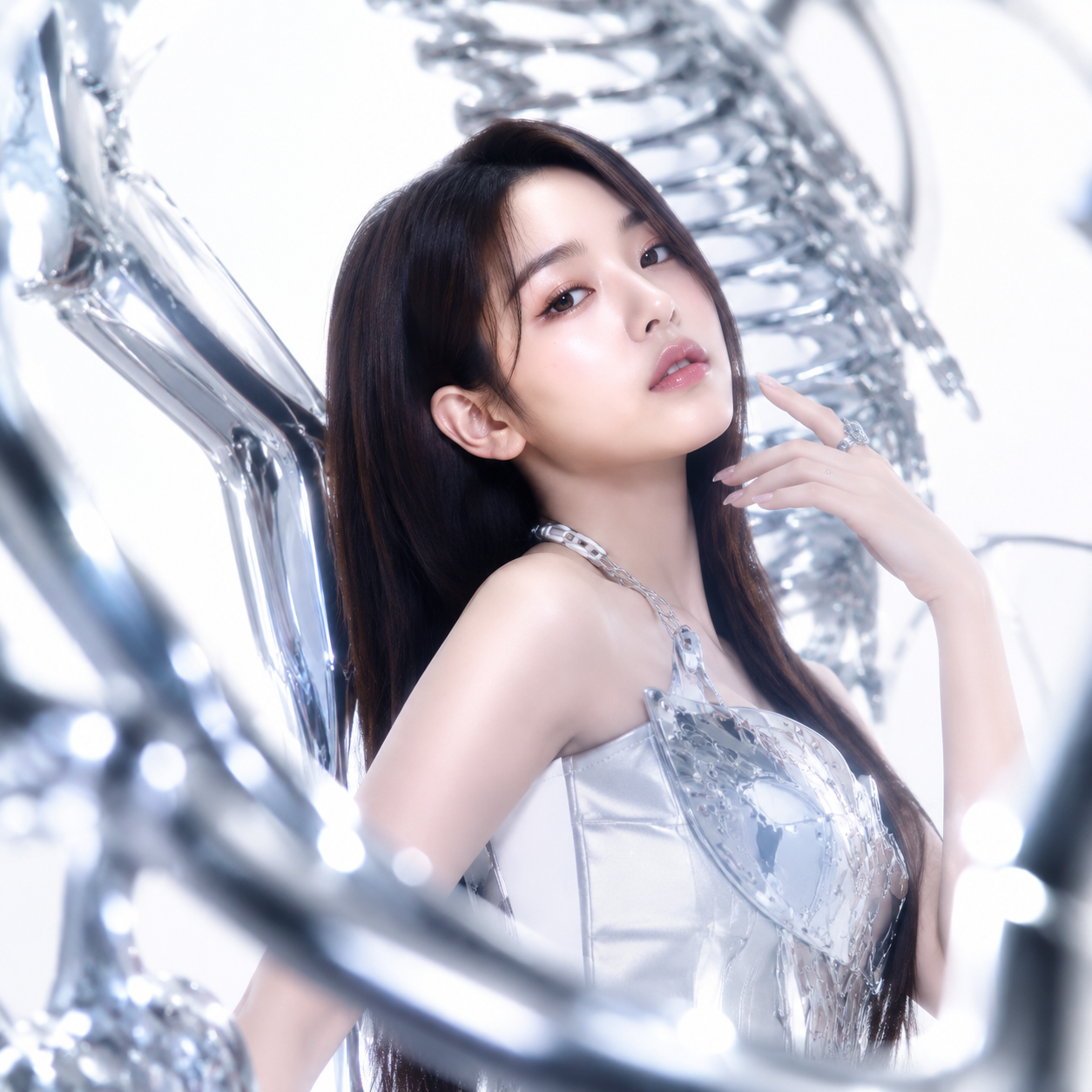
Use the uploaded image as the base subject. Preserve the original facial features,...
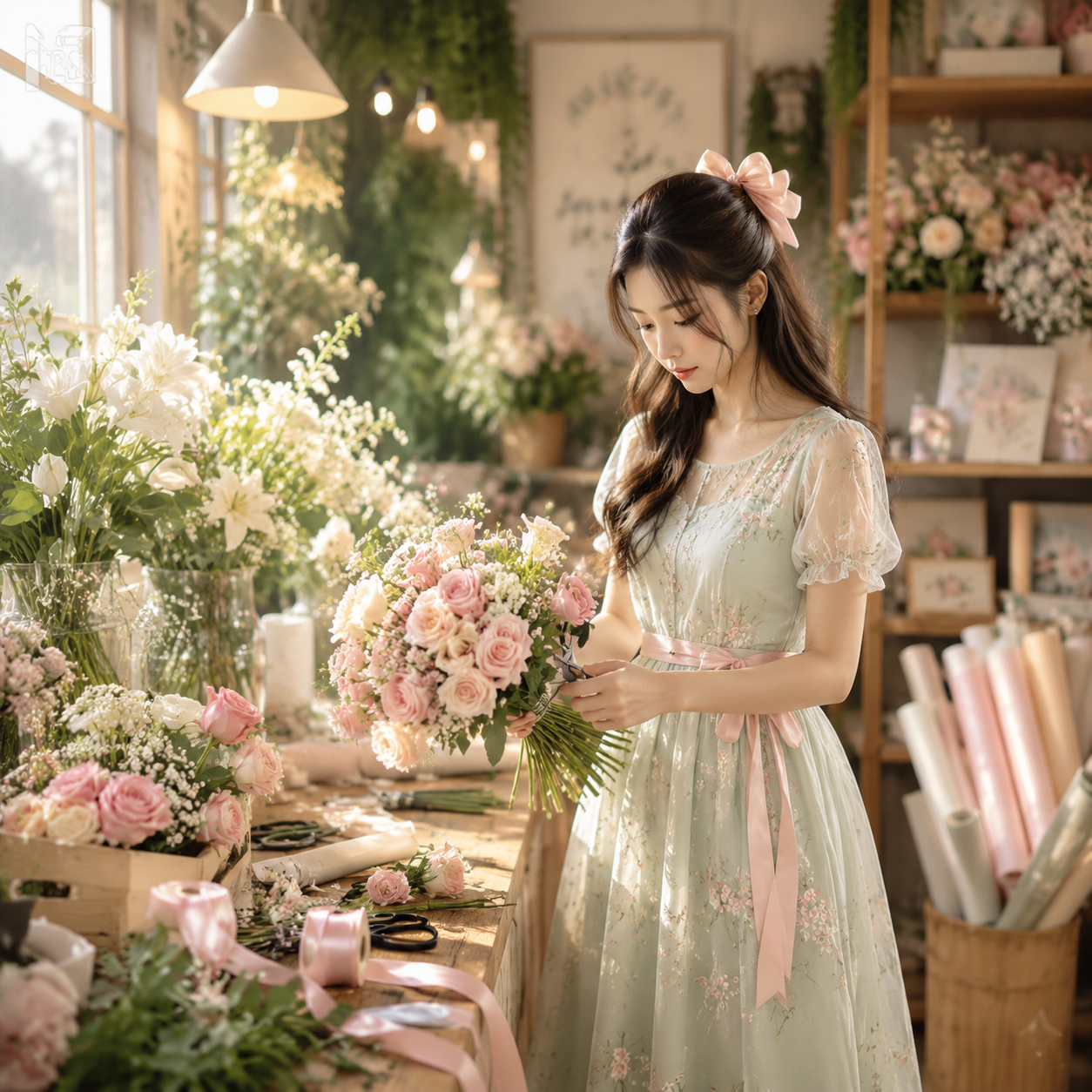
生成一张浪漫精致的花艺工作室商业摄影图片:主体是一位年轻女性花艺师,站在木质花艺工作台旁,身体微微侧向左侧,低头专注整理一束粉色玫瑰与细小白色配花,手中拿着修枝剪。她留长卷发,半扎...
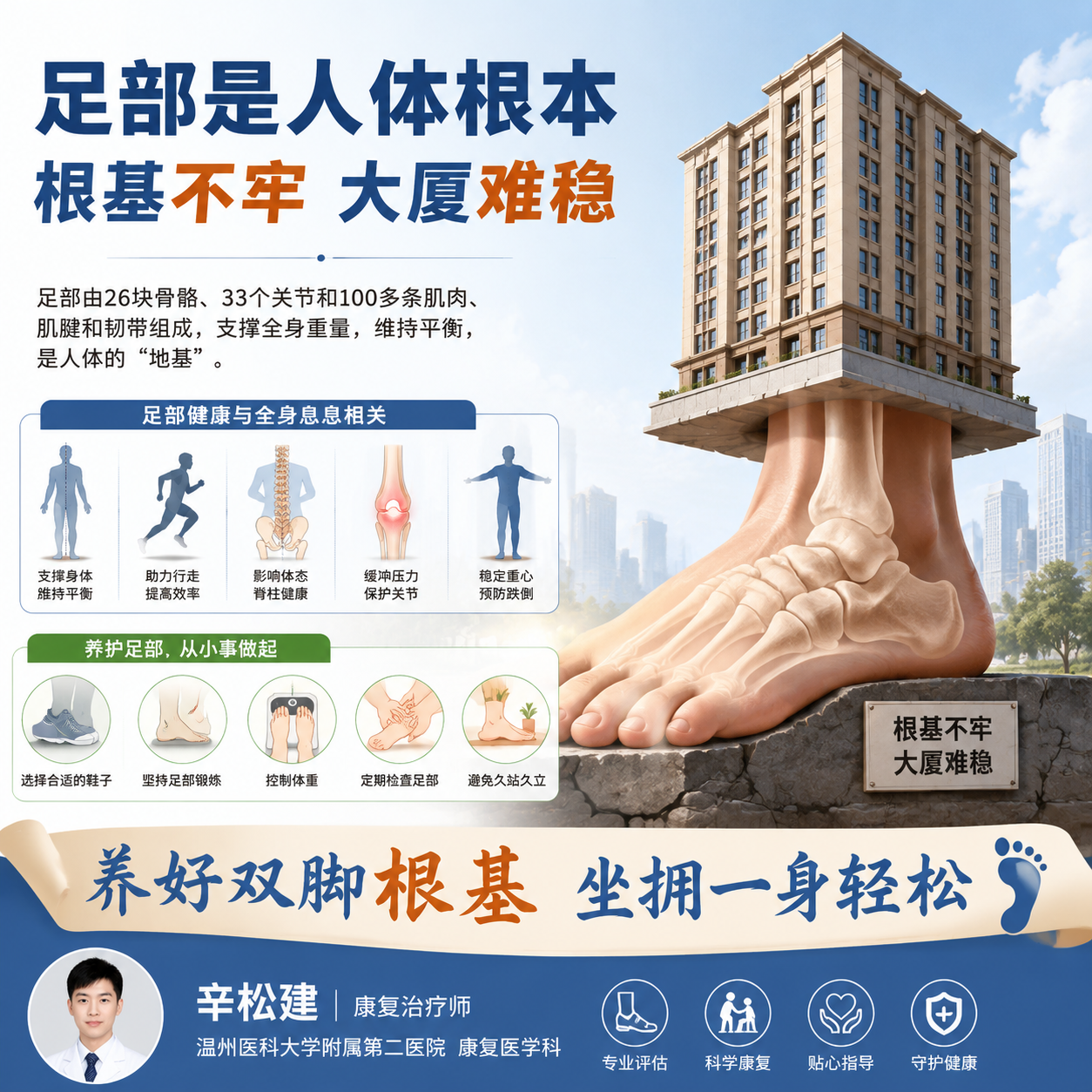
科普图 足部是人体根本 根基不牢 大厦难稳 底部标语 养好双脚根基 坐拥一身轻松 辛松建 康复治疗师 温州医科大学附属第二医院康复医学科

大字主标题 足部是人体根本 根基不牢 大厦难稳 短句正文 双脚为人体地基 26骨33关节筑牢全身支撑 足弓失衡,力线错乱 从上至下引发踝、膝、腰、颈多处酸痛 三种足型对照...
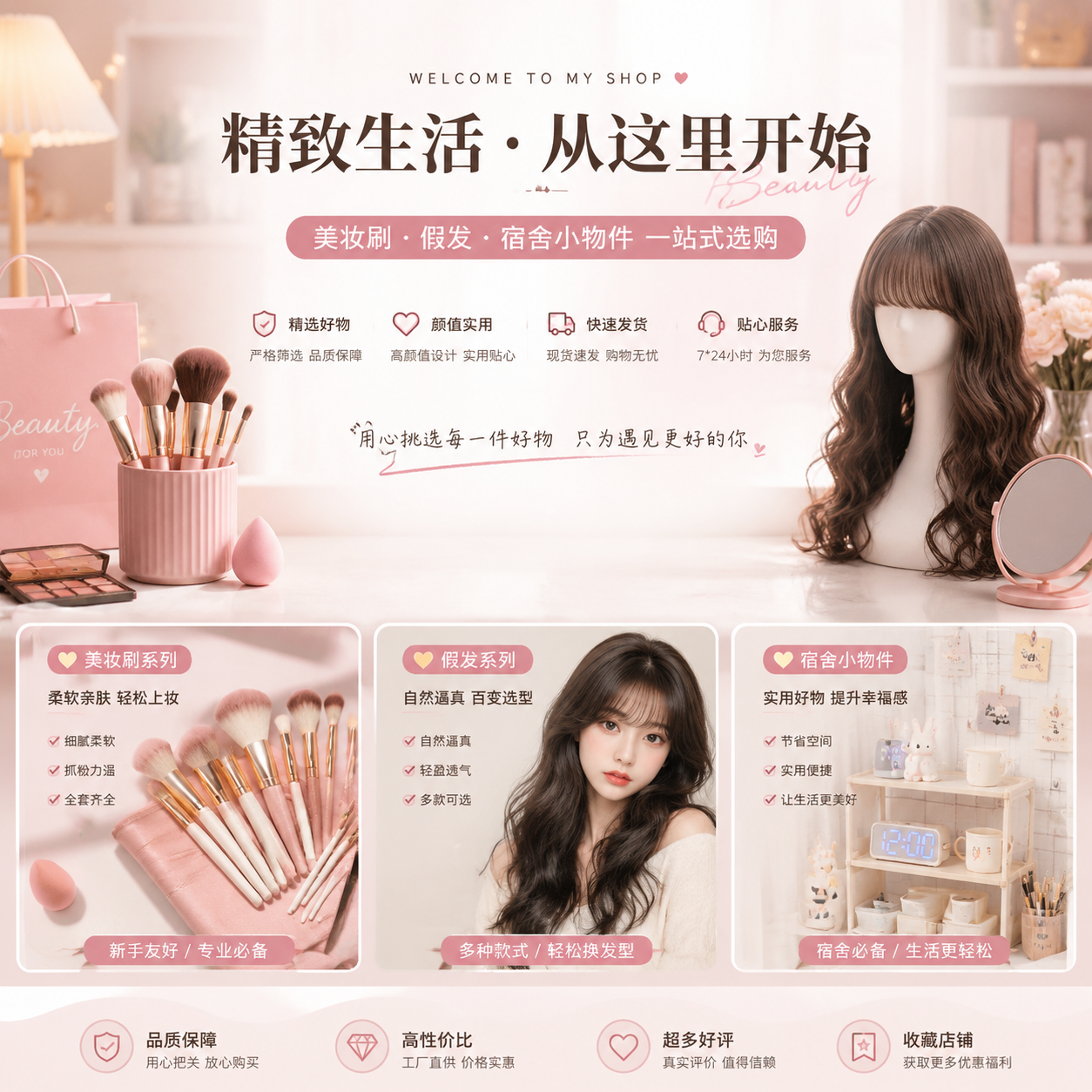
我是一个电商老板,目前售卖美妆刷,假发,宿舍小物件,要求生成一张背景主页图,凸显卖点
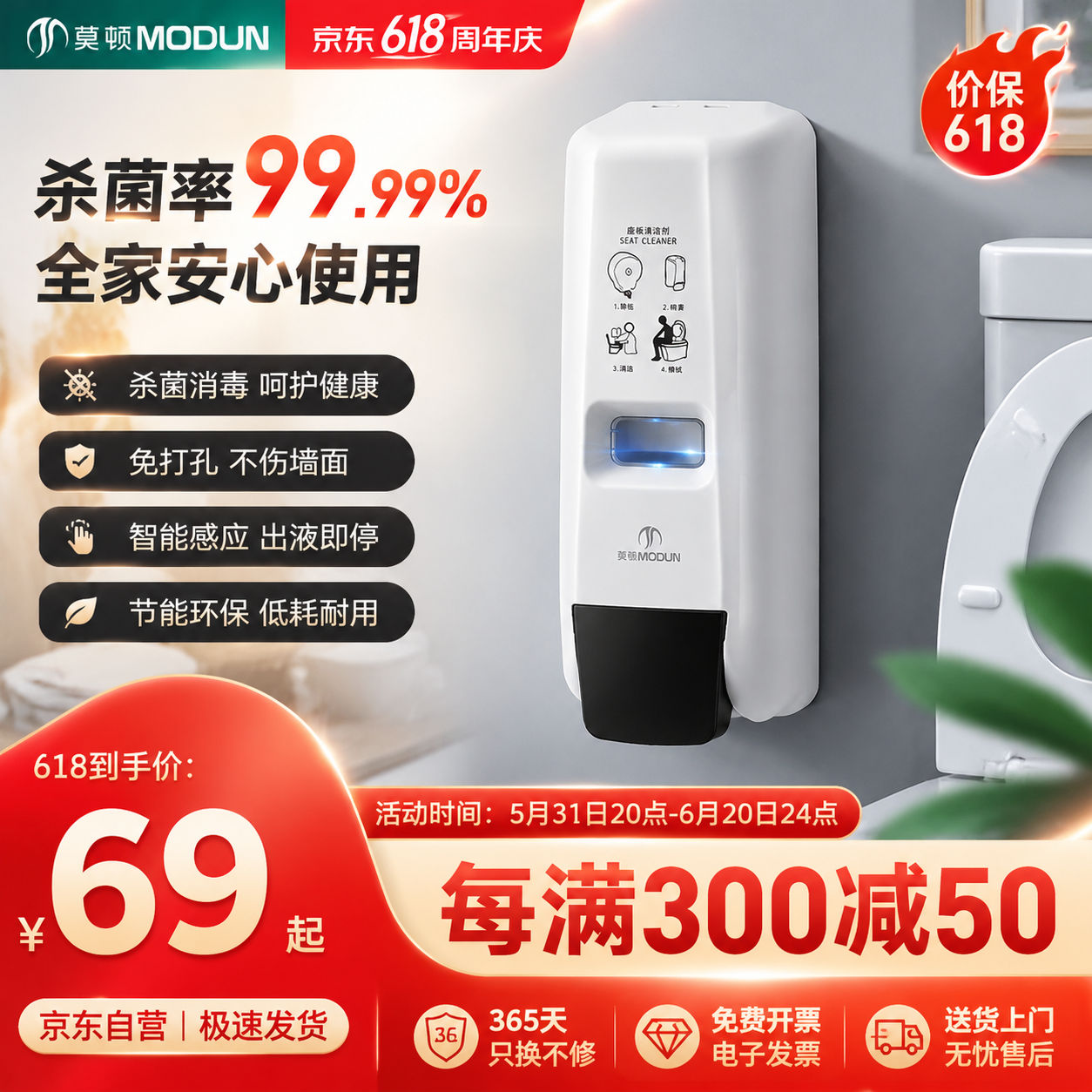
帮我生成一张京东618氛围的马桶厕板消毒器产品主图,要求整体体现营销氛围以及产品高级感,高点击高转化率的卖点,比例一比一
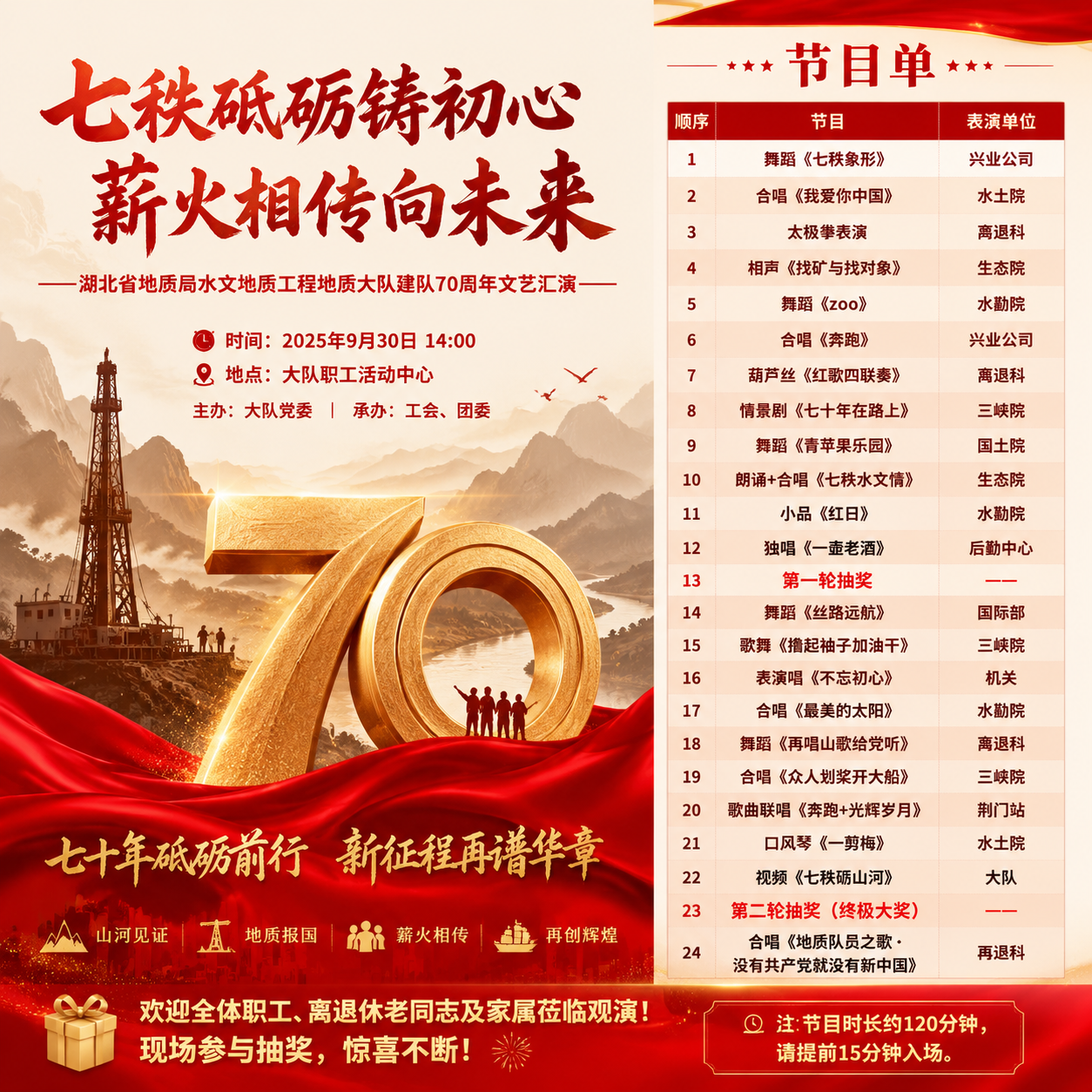
宣传海报(含节目单) 海报设计文案(竖版,A0尺寸) 主标题: 七秩砥砺铸初心 薪火相传向未来 ——湖北省地质局水文地质工程地质大队建队70周年文艺汇演—— 副标题:...
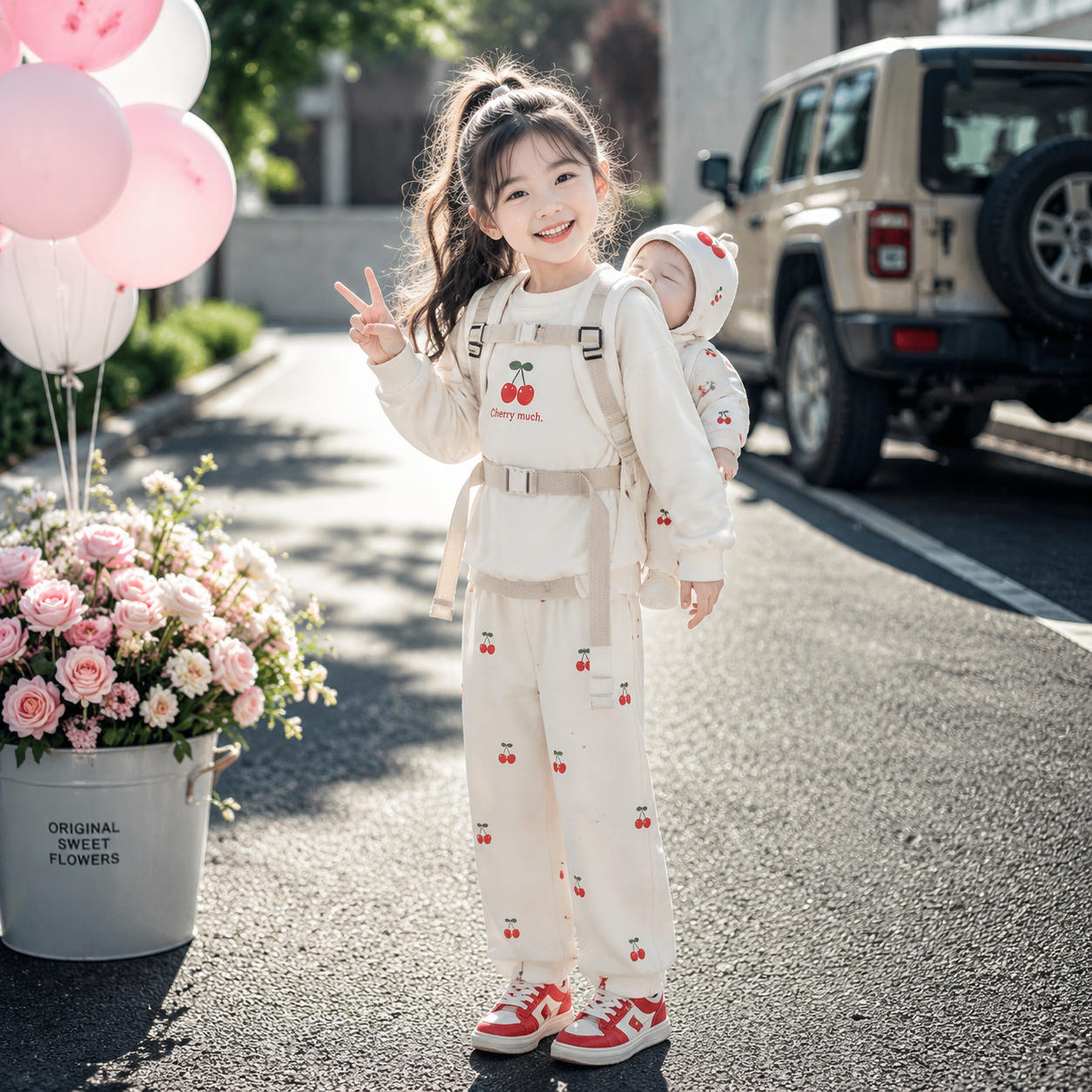
将第1张图片中的套装穿搭穿在8小女孩身上,小女孩背着图片中的同款宝宝,小女孩皮肤白皙,灵动的双眼皮大眼睛,樱桃小嘴,鹅蛋脸肉肉的脸蛋,高挺鼻梁带着甜美笑容,冷白皮,五官精致,长发,...
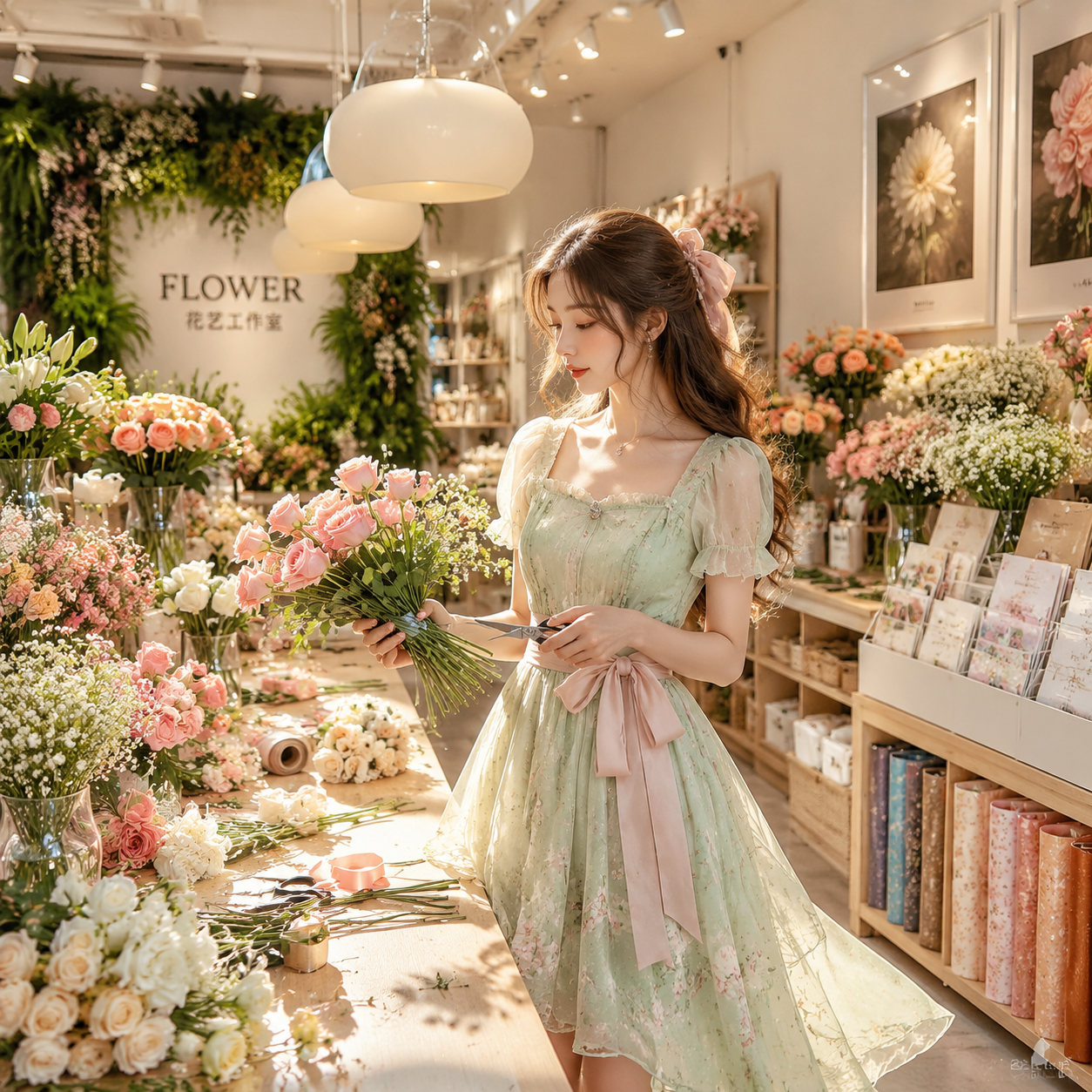
9:16 竖版构图,8K 超高清、Ultra...
Qwen Image 2.1 Features
A practical overview of the capabilities described in the Qwen Image 2.1 release.
Text-to-Image Generation
Generate an image from a written prompt describing the subject, setting, visual style, and details.
Image Editing
Provide an image and explain the change you want in natural language.
Up to 10 Reference Images
Combine multiple people, objects, or style references in one editing workflow.
Local Edits
Use circles, painted annotations, or masks to identify areas for a targeted change.
Transparent Image Output
Generate or edit transparent images with an RGBA channel when the task calls for a clear background.
Subject and Product Fidelity
Reference-guided editing is designed to better preserve the identity of people and products.
Minimal Pricing, Start Creating Now.
Join 5,000+ creators worldwide. Pay once and keep credits ready when inspiration hits.
Pro Plans
Unlock more image output with lower long-term creation costs.
Pro Annual Plan
Secure checkout · credits are added instantly · subscriptions can be canceled anytime
Pro annual benefits
- 48,000 image credits per year
- Limited 50% off Qwen Image Standard 1K text-to-image
- Faster generation priority, less waiting
- Commercial-grade privacy, visible only to you
- Distraction-free workflow, no ads
- Watermark-free exports ready to deliver
- Pro-grade detail enhancement and image polish
- Early access to new features
- Batch generation support (coming soon)
- Optimized workflows for ecommerce, game assets, and ads (coming soon)
- Cloud asset library (6-month storage)
- Priority premium support
Studio Flagship Plan
Secure checkout · credits are added instantly · subscriptions can be canceled anytime
Studio flagship benefits
- 96,000 image credits per year
- Limited 50% off Qwen Image Standard 1K text-to-image
- Faster generation priority, less waiting
- Commercial-grade privacy, visible only to you
- Distraction-free workflow, no ads
- Watermark-free exports ready to deliver
- Pro-grade detail enhancement and image polish
- Early access to new features
- Batch generation support (coming soon)
- Optimized workflows for ecommerce, game assets, and ads (coming soon)
- Unlimited history for finished work
- Priority premium support
- Higher upload limits for large projects
Buy On Demand, Create Flexibly
Use credits instantly, top up anytime, no subscription required.
Starter Pack
Secure checkout · credits are added instantly · no recurring charge
Perfect For Testing
- Create up to ~200 Standard 1K text-to-image results during the promo
- Test prompts and quality risk-free
- Text-to-image and image-to-image
- Valid for 1 full year
- Commercial-ready image creation included
Creator Pack
Secure checkout · credits are added instantly · no recurring charge
More Credits, Better Price
- Create up to ~450 Standard 1K text-to-image results during the promo
- 33% better value per credit
- Great for weekly creation
- Valid for 1 full year
- Commercial-ready image creation included
Pro Pack
Secure checkout · credits are added instantly · no recurring charge
Maximum Value
- Create up to ~800 Standard 1K text-to-image results during the promo
- Best price per credit
- Perfect for batch creation
- Valid for 1 full year
- Commercial-ready image creation included
How Image Credits Work
Credit usage depends on model, resolution, generation mode, and optional search features.
Secure payment methods
Payments are encrypted and securely processed by Stripe or PayPal.
* Alipay and WeChat Pay are available for eligible CNY one-time purchases.